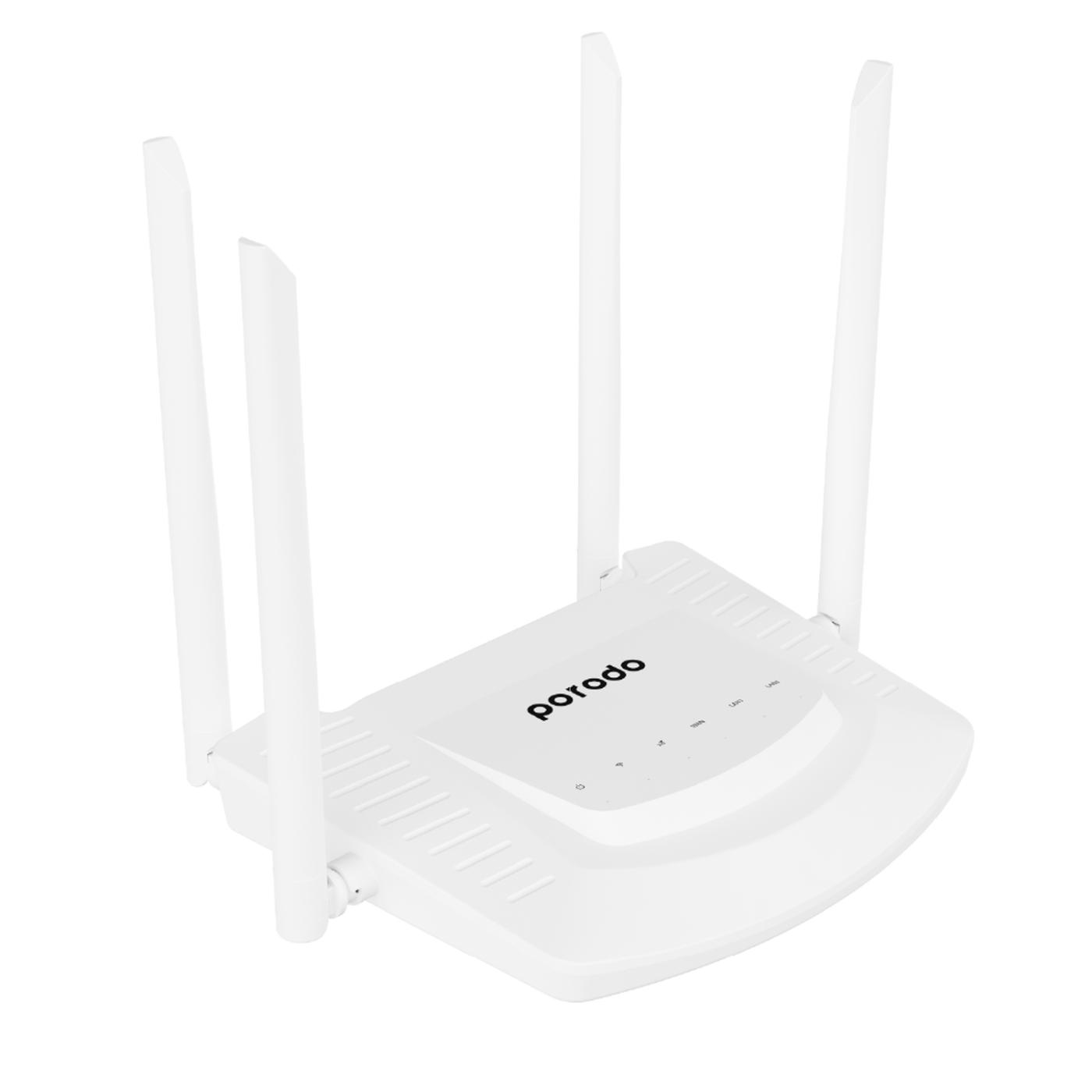
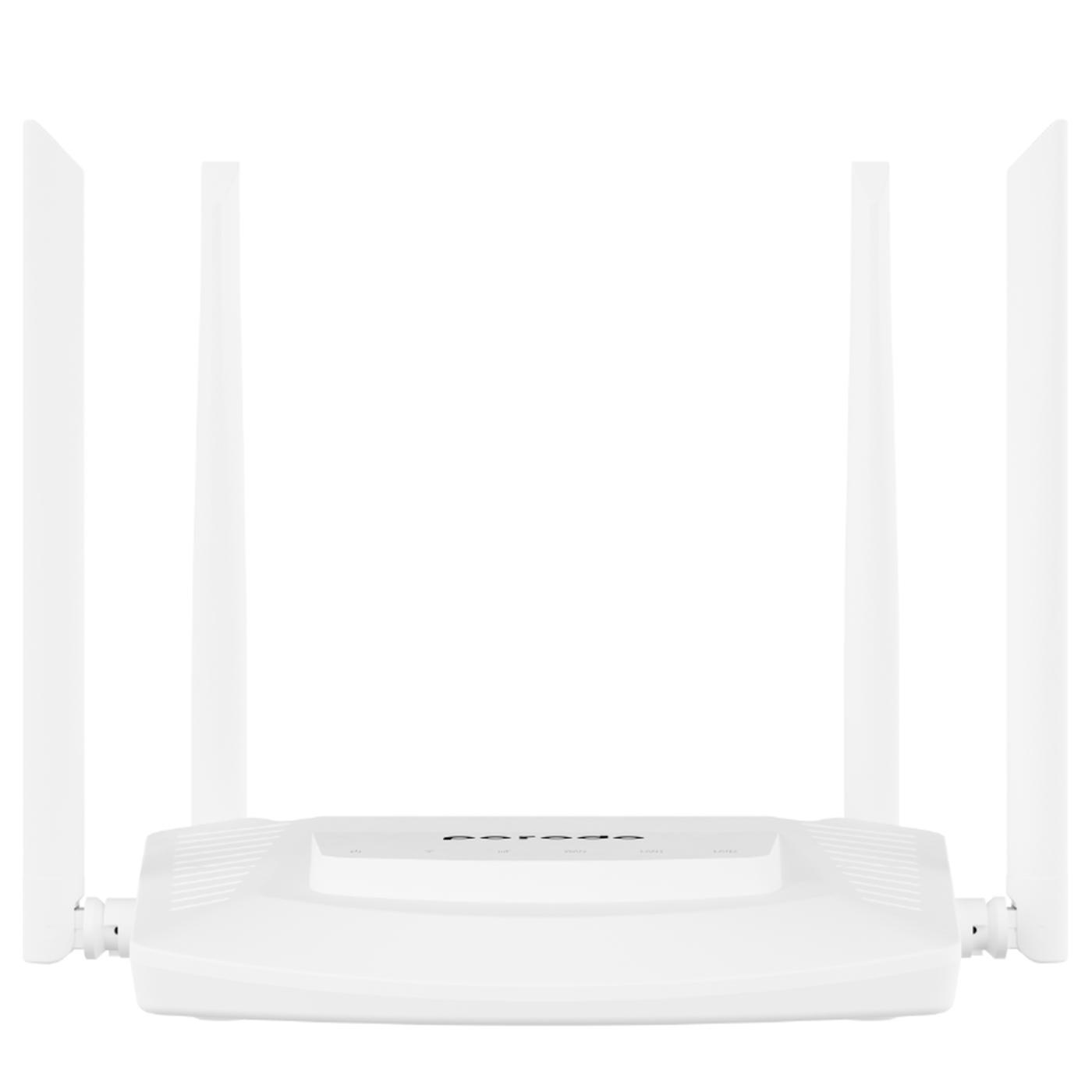
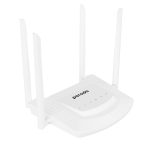
Porodo High-Speed 4G Router 300Mbps Wifi and 4G LTE – White
About this item
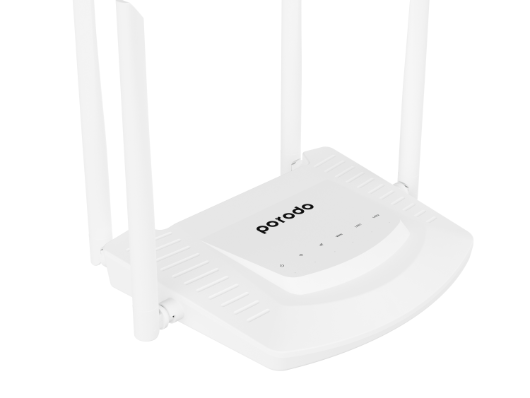
- Antennas: 2xWIFI & 2xLTE (5dBi gain)
- Supports Up To 20 Devices
- LTE CAT4 4G Module
- Advanced Encryption
- Quick & Easy Setup
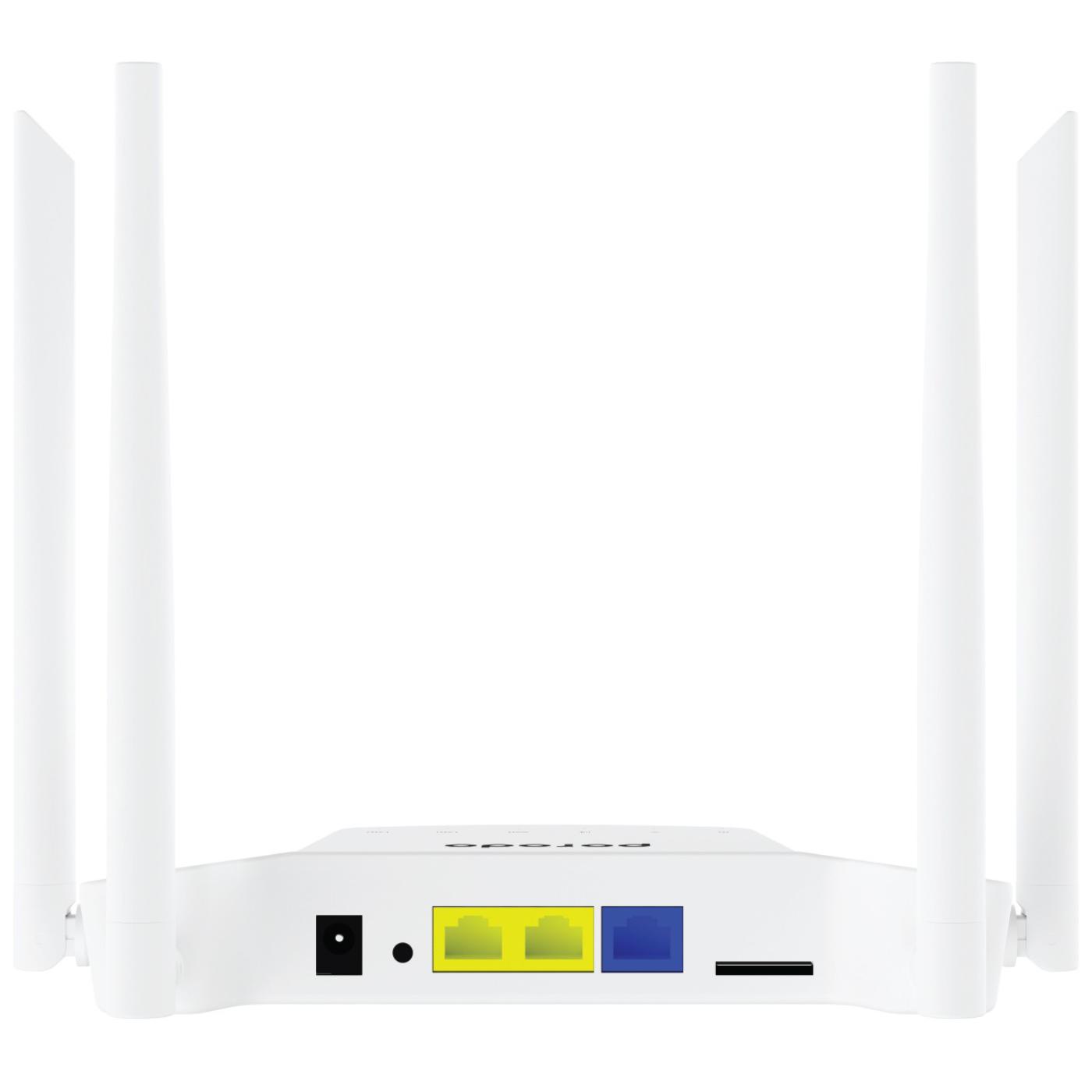
- Sim Card Slot
- 8MB Memory
- Supports TR069 and Online Upgrades
- Supports IPV4 Protocol
Out of stock
INR5,536 INR10,178
Out of stock
Porodo High-Speed 4G Router 300Mbps Wifi and 4G LTE – White
From the manufacturer
Porodo High-Speed 4G Router 300Mbps Wifi and 4G LTE – White with Sim Card Slot with Powerful 4pcs Non-Detachable Antenna, Quick & Easy Setup, Wireless Wi-Fi Router.
Porodo high-speed 4G router enjoys ultra-speed internet connectivity up to 300 Mbps using your standard sim card. This new 4G sim-supported router will help you to connect multiple devices without any specific devices with internet connectivity. Once you connected a 4G sim card the device will access the internet and shares the network with wired and Wi-Fi users through NAT.
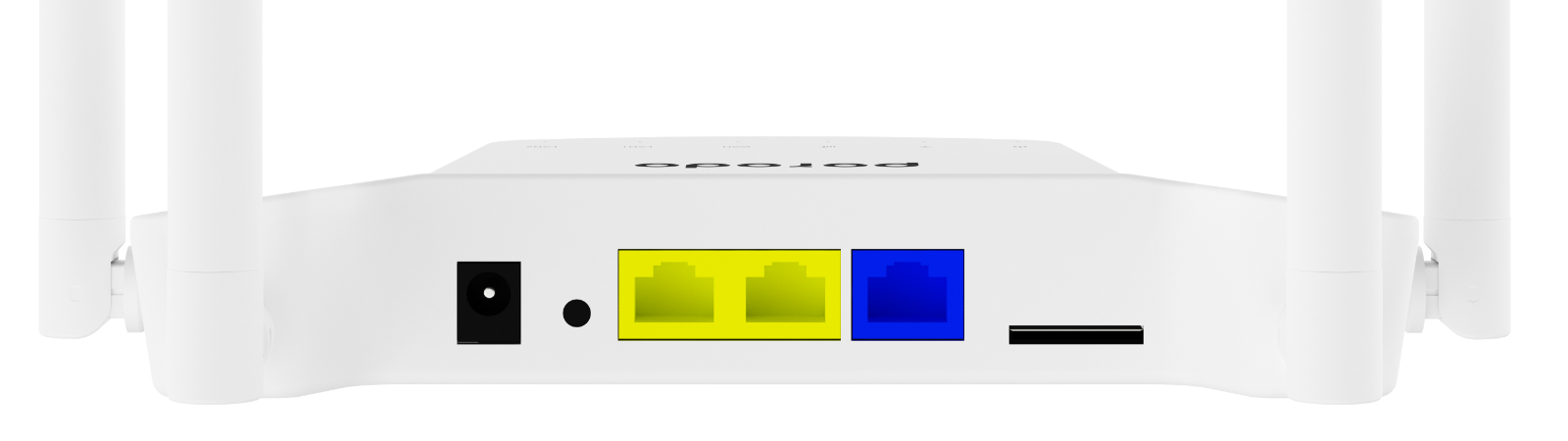
High- Speed 4G Router
Use a complete pack to speed up your internet speed with 2*WIFI & 2*LTE you can also insert your SIM and use your SIM’s internet as well, a high-speed 4G router 300Mbps Wi-Fi & 4G LTE will make you satisfied with your speed. You can easily install this router with the available data pack on your sim card. Therefore you don’t need any extra wiring the connection risk to connect your wifi modem with your devices. Porodo 4G router can be functional in multiple modes including 4G mode, Routing mode, Automatic acquisition, PPPoE dialing, and Static IP.
Mode Description
4G Mode: The device accesses the Internet through 4G mode, and shares the network to wired and Wi-Fi users through NAT conversion technology. The device WAN physical interface is converted into LAN interface mode.
Routing Mode: The device accesses the Internet through wired mode, and shares the network to wired and Wi-Fi users through NAT conversion technology. The device 4G function will be stopped. There are three ways to access the network through wire: automatic acquisition, PPPoE dialing, Static IP (as shown in Figure 1 0), please consult your broadband provider for Internet access information.
Automatic Acquisition: Obtain IP address information from the superior device, you can access the Internet without setting up the Internet access information. Usually, the computer wired access can be accessed without setting.
PPPoE Dialing: The device needs to dial the fixed account and password to access the Internet. The account and password can be consulted by the broadband service provider to obtain relevant information (as shown in Figure I l
Static ‘P’: The device needs to manually fill in the IP address, subnet mask, gateway and DNS information to access the Internet. For this information, please consult the gateway administrator or broadband service provider for relevant information (as shown in Figure 12).
AP mode: When the device is wired to the Internet, NAT function will be stopped, the device’s WAN physical interface will be converted into LAN interface mode, and the network will be shared to the wired and Wi-Fi users. Network services and information will be provided by the upper device, and the device will only provide the service of converting the wired to Wi-Fi.
Routing Mode: If the device needs to be set to “Routing Mode” or “AP Mode”, please refer to the above instructions and follow the instructions of the operation guide. After the setup is complete, the device will restart, and the mobile phone searches for a new Wi-Fi name signal, enters the password to access the Wi-Fi.
Overview
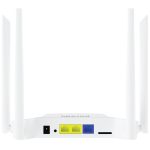
WAN: 10/100 Mbps RJ45 WAN xl
LAN: 10/100 Mbps RJ45 LAN x2
Supports: 26 / 36 / 4G / PPPOE / APN
Wireless Security: WPA-PSK/WPA2-PSK, WPA/WPA2
4G LTE FDD: Bl/B3/B5/B8
4G LTE TDD: B34/B38/B39/B40/B41
Capacity : Supports Up To 20 Devices
Dimension: 15 x 9 x 8 cm
Weight: 450 Grams
Color: White
Related products
-
-
Router
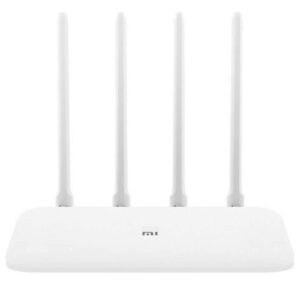
Xiaomi Mi Router 4A Gigabit Edition – White
About this item
- Dual-core CPU
- Gigabit Network Ports
- 4 High-Gain Antennas
- Anti-hacking Security
- Child Safety Features
- 64MB Large Memory
- Control In your Hands
- Integrated signal amplifier
- An intelligent error correction algorithm
- Wireless dual band speed of 1167Mbps with 300mbps
SKU: E01704 -
Router
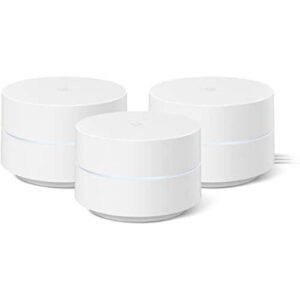
Google Wi-Fi System 3-Pack Router for Whole Home Coverage – White
About this item
- Wi-Fi 5 (802.11ac)
- Up to 1200 Mb/s per Device
- 2.4 GHz / 5 GHz (Dual-Band)
- 2 x Gigabit Ethernet Ports per Device
- WPA3 Security Encryption
- Up to 4500 Square Feet of Coverage
- Plug-and-Play Setup
- Supports Google Home App
SKU: E02086 -
Router
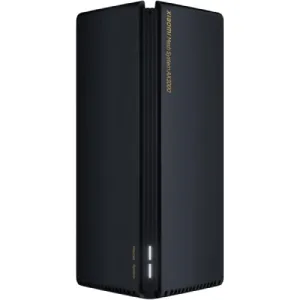
Xiaomi Mesh System AX3000 Wi-Fi 6 Router (1-Pack)
About this item
- Wi-Fi 6 technology for faster and smoother internet
- Qualcomm 5-core chip for stable and reliable performance
- OFDMA Access Point Mode
- Signal Amplifier Range Extender
- Stable mesh networking, up to 4,000 sq. ft. Wi-Fi coverage
- Dual-Band Wi-Fi 6 for a smooth online experience
- Swift wireless speed up to 2,976Mbps
- Reliable connection for up to 254 devices
- 160MHz high-bandwidth for a superb experience
- Xiaomi Mesh System AX3000 (1-Pack) offers 2.4GHz and 5GHz bands, each with 802.11ax technology
SKU: E03157 -
Router
Google Nest Wi-Fi Mesh System Router and Point
About this item
- Wi-Fi 5 (802.11ac)
- Up to 2200 Mb/s (Router)
- Up to 1200 Mb/s (Point)
- 2.4 GHz / 5 GHz (Dual-Band)
- 2 x Gigabit Ethernet RJ45 Ports (Router)
- Whole-Home Mesh Coverage
- Speaker | Google Assistant (Point)
- WPA3 Encryption | Auto Security Updates
- Can Support Multiple 4K Video Streams
SKU: Y00360